How to Customize Invoice Templates and Save as PDF
Choose from 30+ invoice templates and accent colors, then print or save as PDF. Full guide to designing and exporting invoices.
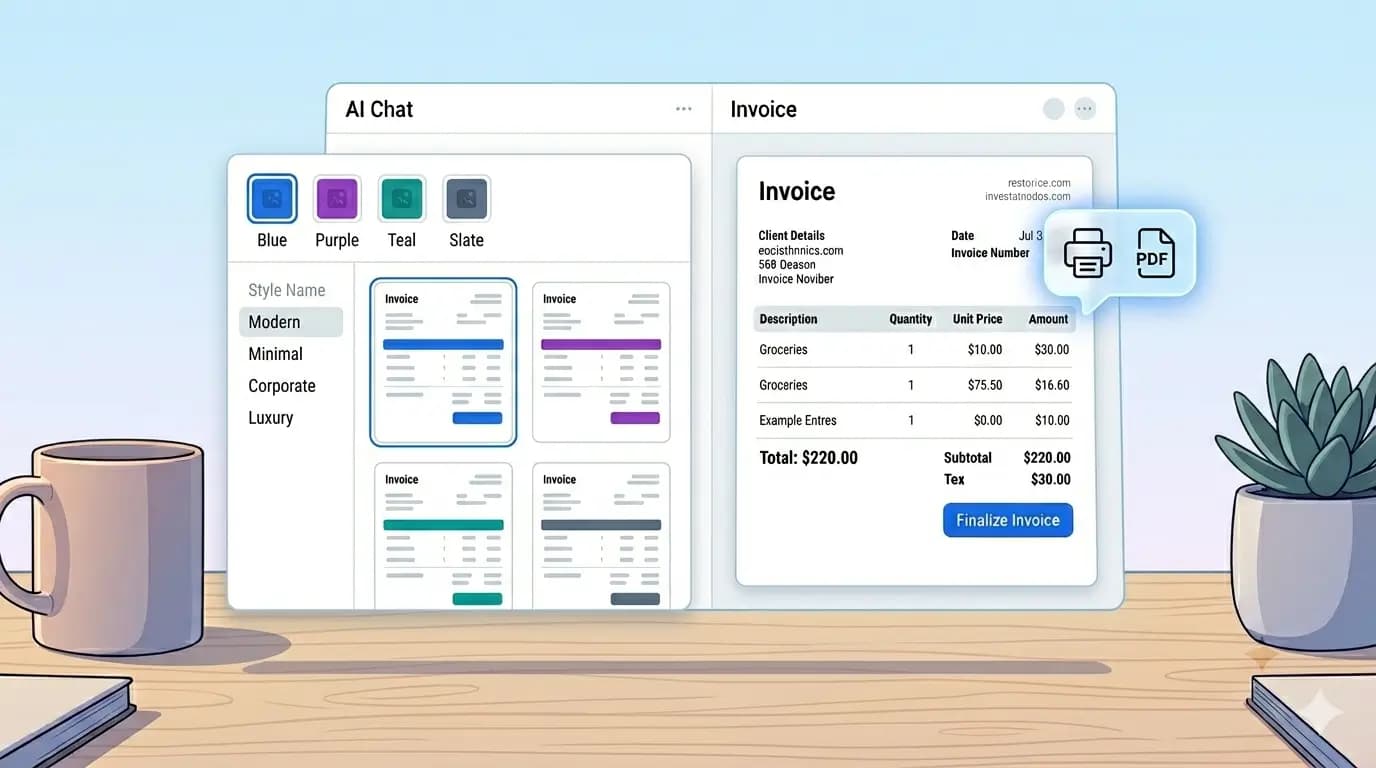
A professional invoice should match your brand. AI Invoice Generator includes more than 30 templates — from minimal and corporate to playful and luxury — plus eight accent colors. Everything updates live on the preview before you print or save as PDF.
Open the template picker
On the main editor screen, click Customize Design above the invoice preview. A modal opens with all available templates and color swatches. Click any template to preview it instantly; click a color to change accents, headers, and highlights.
Choosing the right template
- Modern — default choice for most service businesses; clean and readable.
- Classic / Corporate — formal layouts for law, finance, or B2B clients.
- Minimal / Swiss — lots of white space; great for designers and agencies.
- Startup / Gradient — friendly, colorful look for tech and creative teams.
- Receipt — narrow layout that resembles a point-of-sale printout.
- Luxury / Elegant — premium feel for high-end services.
Accent colors
Eight accent colors are available: Blue, Indigo, Purple, Rose, Amber, Teal, Green, and Slate. Pick one that aligns with your logo or website. The color applies to headers, borders, and emphasis text across the template.
Save as PDF (print to PDF)
- Click Save / Print in the top navigation bar.
- In the print dialog, set Destination to "Save as PDF" (Chrome/Edge) or "PDF" (Safari/Firefox).
- Confirm paper size is A4 and margins look correct in the preview.
- Save the file — your invoice is ready to email or archive.
Print view hides the chat panel, buttons, and editor chrome so only the invoice appears on the page. Colors and layout are preserved for accurate PDF output.
Edit invoice content on the preview
Beyond templates, you can click most text fields on the preview to edit inline — company name, line item descriptions, quantities, and notes. Use the AI chat for bulk changes and the preview for quick touch-ups before exporting.
Design your invoice and export a PDF in one sitting.
Customize Your Invoice