How to Create an Invoice with AI Invoice Generator (Step-by-Step)
Learn how to create a professional invoice online in minutes using AI Invoice Generator at aiinvoice.net. Free, no signup required.
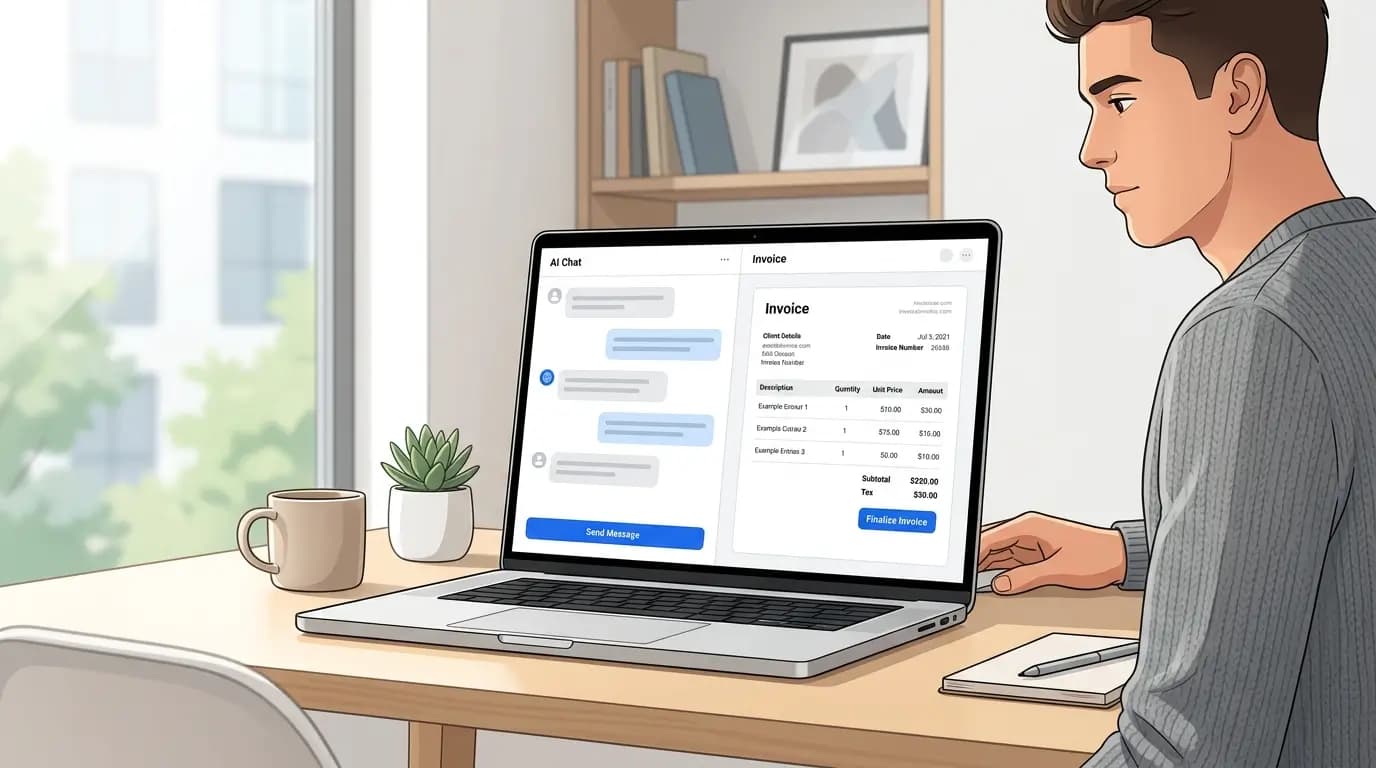
AI Invoice Generator is a free online tool at aiinvoice.net that lets you build polished invoices using natural language. Instead of filling out dozens of form fields, you chat with an AI assistant on the left while a live invoice preview updates on the right. No account is required — your work is saved automatically in your browser.
What you need before you start
- Your business name, address, and contact details
- Client name and billing address
- Line items (description, quantity, rate) or a receipt photo to extract from
- Payment terms, tax rate, or a due date (optional)
Step 1: Open AI Invoice Generator
Go to aiinvoice.net. The page loads with a sample invoice on the right and the AI chat assistant on the left. You can start editing immediately — there is no login screen or paywall.
Step 2: Tell the AI what to change
Type a plain-English request in the chat. The AI only changes what you ask for, so you stay in control of every field.
- Set your company: "Change the business name to Bright Studio LLC and address to 42 Main St, Austin TX."
- Add the client: "Bill Acme Corp at [email protected]."
- Add line items: "Add web design 20 hours at $85/hr and hosting setup for $200."
- Set tax and dates: "Apply 8.25% tax and set due date to 30 days from today."
Step 3: Fine-tune directly on the preview
You can also click fields on the invoice preview to edit them manually. This is useful for quick typo fixes or adjusting a single line item without sending another chat message.
Step 4: Save or print your invoice
When the invoice looks right, click Save / Print in the top-right corner. Your browser print dialog opens — choose "Save as PDF" to download a PDF file, or print to paper. The chat panel and buttons are hidden automatically in print view.
Start a fresh invoice
Click New Invoice to clear the current invoice and chat history. Your previous session is removed from local storage, so make sure you have saved or printed before resetting.
Ready to create your first invoice? It takes less than five minutes.
Open AI Invoice Generator